Booking Calendar
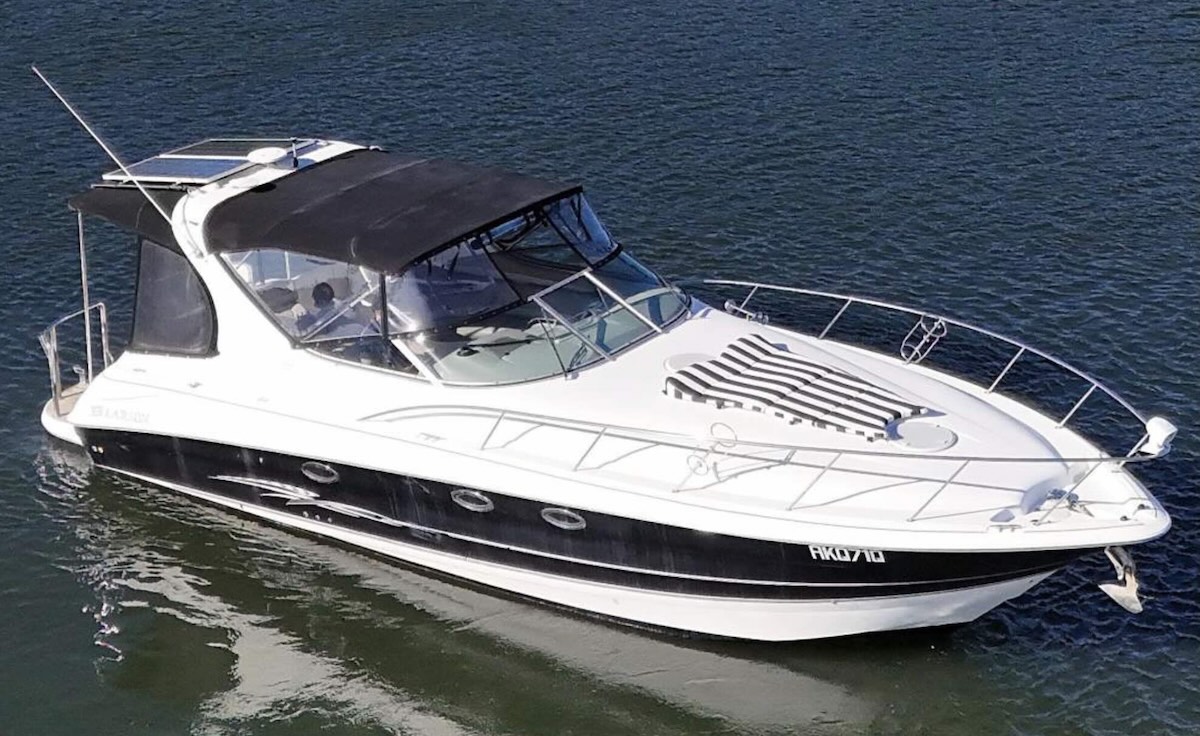
5 shares between 4 owners — Heath holds 2.
Standby = within 24 hrs of use, available from 12pm the day before. Maintenance doesn't count against anyone's cap.
Booking Entitlements
1 share = 10 weeks (20 weekend days + 50 midweek days) per year.
How booking works
- The calendar is released in stages: March 1st for Apr 1 – Sep 30, and September 1st for Oct 1 – Mar 31. First come, first served.
- Unused days don't carry over to the next period or year.
- Between Oct 1 – Mar 31, each share allows up to 11 weekend days and 27 midweek days.
- Between Apr 1 – Sep 30, each share allows up to 9 weekend days and 23 midweek days.
- Maximum 7 consecutive days per booking.
- Standby bookings can be made within 24 hours of use (available from 12pm the day before), whenever the boat isn't already booked, in maintenance, or relocated — unlimited.
- Booking dates can be swapped/transferred between shareholders — see the Transfer option on your bookings in the Calendar tab.
- Cancelling a booking should notify everyone so someone else can grab it — this app emails all owners automatically on cancellation.
- 2 weeks (14 days) per year are set aside for service/maintenance, typically over winter, booked as a block where possible.
- During November, owners flag interest in busy summer dates; if shareholders can't resolve a clash, the booking manager may run a ballot — the loser gets priority for the next conflict.
Premium dates — ballot only
NYE, Christmas, Boxing Day, Australia Day, Easter, and long weekends are allocated by ballot at the October meeting — see the Ballots tab. Christmas & Boxing Day, and NYE & New Year's Day, are always allocated as consecutive pairs. Once you win a ballot place, you're out of the running for any other ballot for the rest of that year (though you can still take those other dates on standby if the winner isn't using them).
Premium Date Ballots
Register your interest, then anyone can run the draw once entries close.
Engine Hours Log
Enter the hour-meter reading before and after your trip for each engine. Covers a single day or a weekend away.
Onboard Stock
Flags anything at or below its minimum.
Handover Notes
Leave it better than you found it — flag anything the next crew should know.
Settings
Your email is used only to notify you when others make changes.
Sync bookings to Apple Calendar
Copy this link, then in the Calendar app on your Mac or iPhone: File → New Calendar Subscription (Mac) or Settings → Calendar → Accounts → Add Account → Other → Add Subscribed Calendar (iPhone), and paste it in. It updates automatically as bookings change — no need to keep downloading files.
This link is only as private as who you share it with — anyone with it can see the booking calendar (no personal notes).